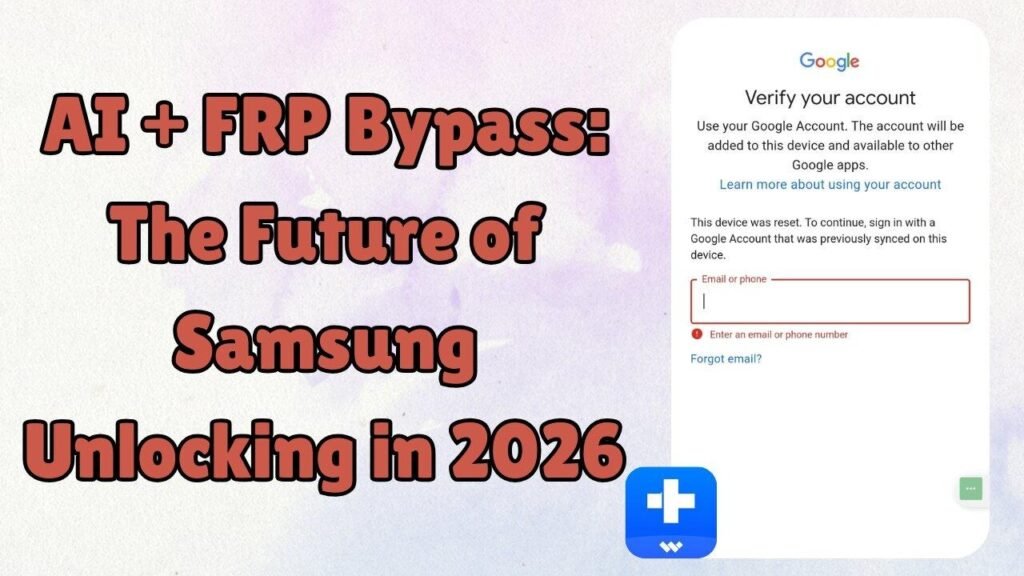
Samsung users today face new challenges in unlocking their devices after factory reset protection. Every new Android version, like Android 16, adds stronger security layers that make old tricks fail. Many people still waste time following outdated videos that no longer work.
This is where modern technology steps in to make things easier. With smart tools like Dr.Fone Screen Unlock, users can remove FRP without confusion. It uses intelligent guidance to match the right method for each phone. Therefore, this article explains how automation and guided tools reduce mistakes.
Part 1. Why Samsung FRP Lock Is Harder to Bypass in 2026
Modern Samsung security has become much stronger than it was years ago. New Android 16 updates create many obstacles for the average smartphone user. Moreover, finding a reliable Android Phone Unlocker is now harder than ever before. These changes mean that old manual tricks simply do not work anymore. Anyhow, read the following points to understand why Samsung security is so tough:
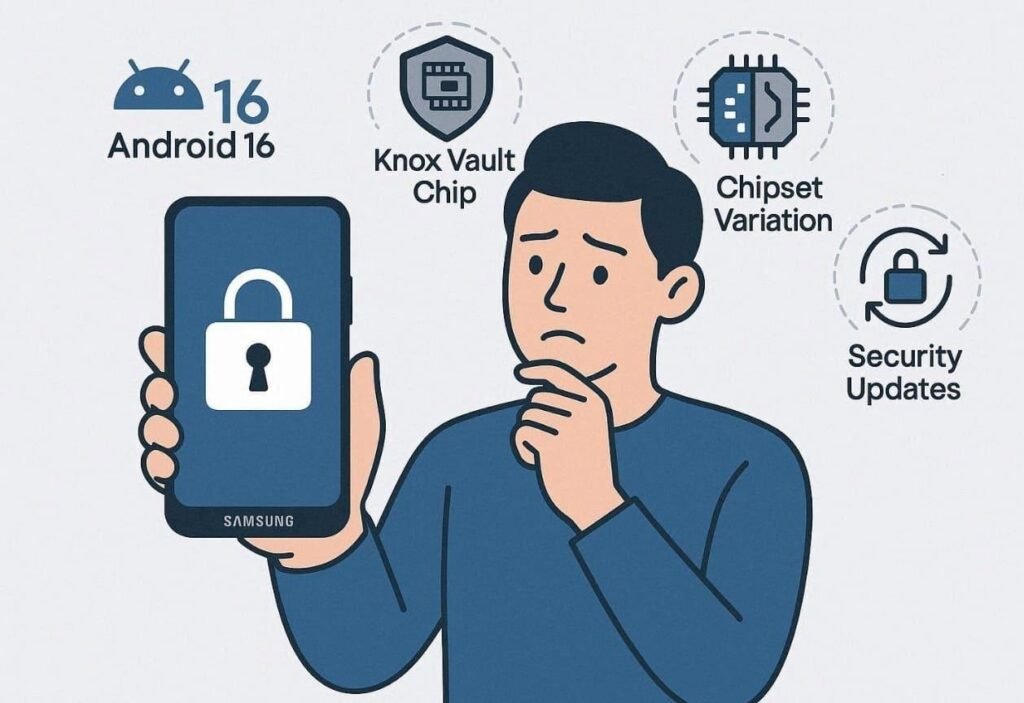
- Android Policies: Android 16 introduced stronger FRP enforcement that limits test mode access. This deep level of security stops most common hacking tools from working.
- Knox Vault: Samsung uses a dedicated hardware chip to store your private login data. It isolates sensitive information from the main operating system to prevent any leaks.
- Chipset Variety: Different processors require unique unlocking steps for every single Samsung mobile model. Using the wrong method on a specific chipset can permanently damage your phone.
- Security Patches: Monthly updates, like the February 2026 security release, fixed 37 vulnerabilities. So, such updates quickly close any small gaps used by old bypass methods.
- Kernel Checks: The internal system core now verifies every file during the initial boot process. Any modified files will trigger a total lockout to protect your personal data.
Part 2. Beyond Manual Tricks: The Shift to AI-Driven FRP Automation
Modern security systems have moved far beyond the old days of simple manual tricks. Traditional methods like the TalkBack hack or SIM menu bypass are now very fragile. One single security patch from Samsung can kill those older hacking methods. This forces many frustrated users to relearn complex steps every few months or weeks. However, the latest evolution in mobile technology uses automation to solve these problems.
A modern FRP bypass tool like Dr.Fone now uses smart scripts to optimize the entire process. These automated programs can detect your specific chipset and Android version. Besides, they automatically pick the most compatible routine instead of making you guess the settings. So, this shift reduces human error and improves the overall success rate for every user.
Part 3. When You Don’t Know Your Samsung OS or Chipset: A Real-World FRP Problem
Many users feel stuck when they cannot find their specific phone details. Identifying your exact chipset or Android version is often a very confusing task. Still, using a reliable Android Phone Unlocker helps you avoid these common technical mistakes. So, these common scenarios show why not knowing your phone specs causes major issues:
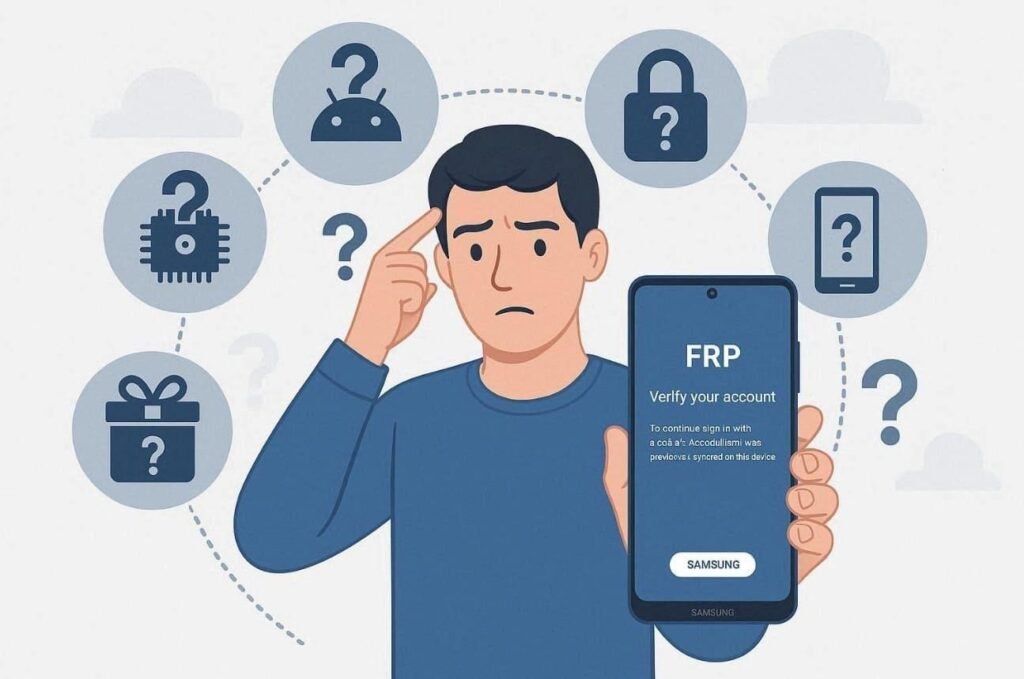
- Forgotten Updates: User updates phone but forgets the current OS version after a factory reset. This makes it impossible to know if you are running the latest Android.
- Locked Menus: The FRP screen blocks you from entering the settings menu to check info. You cannot see the build number or the security patch level without access.
- Secondhand Phones: Buying a used device means you do not know its full history or specs. The previous owner may have installed custom software that changes the original firmware.
- Gifted Devices: Someone receives a used Samsung as a gift without the original details. Without packaging, finding the exact model number becomes a very difficult task.
- Family Shared: Family member hands down an old Samsung with multiple OS updates applied. Therefore, the current chipset and firmware remain unknown to the new user.
Part 4. How AI Smart Detection in Dr.Fone Screen Unlock Simplifies Samsung FRP Removal
Recovering access to a locked device requires a powerful and intelligent solution. At this point, you should use Dr.Fone – Screen Unlock (Android) for the most reliable results. This advanced software removes the stress of identifying complex internal phone specifications. In addition, it uses AI to detect your mobile hardware and software version automatically. This tool ensures that you never pick the wrong firmware for your phone.
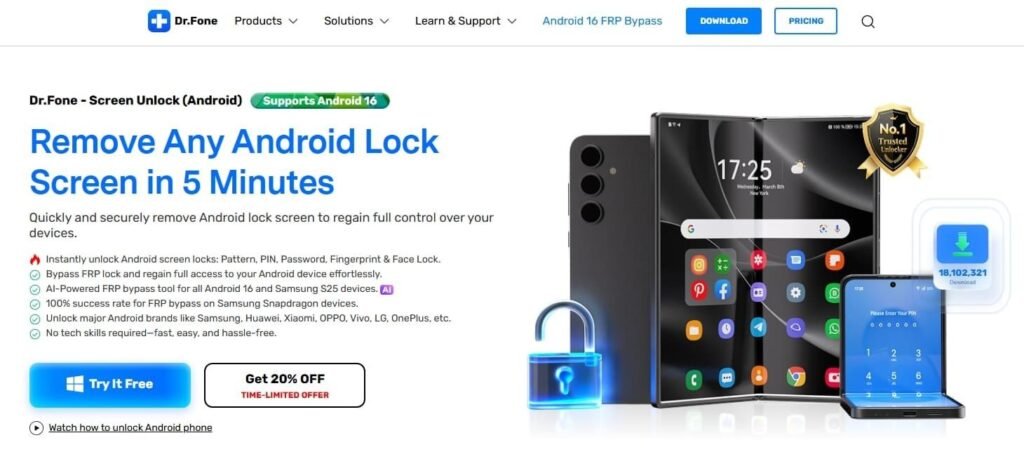
While learning how to bypass FRP on Android 16, Dr.Fone handles Snapdragon and MTK chipsets. It achieves a 100% success rate on bypassing FRP on your preferred device. Alongside, the software removes factory reset protection without needing your original Google password. Apart from that, an online bypass option also allows for FRP removal using only your IMEI.
Key Features
- Android Support: Works perfectly with the latest Android 16 firmware across Samsung devices.
- Multi-Brand Unlock: Supports 15+ brands, including Xiaomi and OPPO, for FRP bypass.
- Screen Unlock: Removes “PIN/Pattern/Password” and even biometric locks from Android screens.
Part 5. Step-by-Step Guide: Bypass Android 16 FRP Lock via Dr.Fone
Removing the Google lock on your Samsung device is now a simple task through Dr.Fone. You can use this FRP bypass tool to regain access without requiring a password. Hence, let’s walk through the exact process from start to successful device access:
Step 1. Open the Google FRP Removal Feature
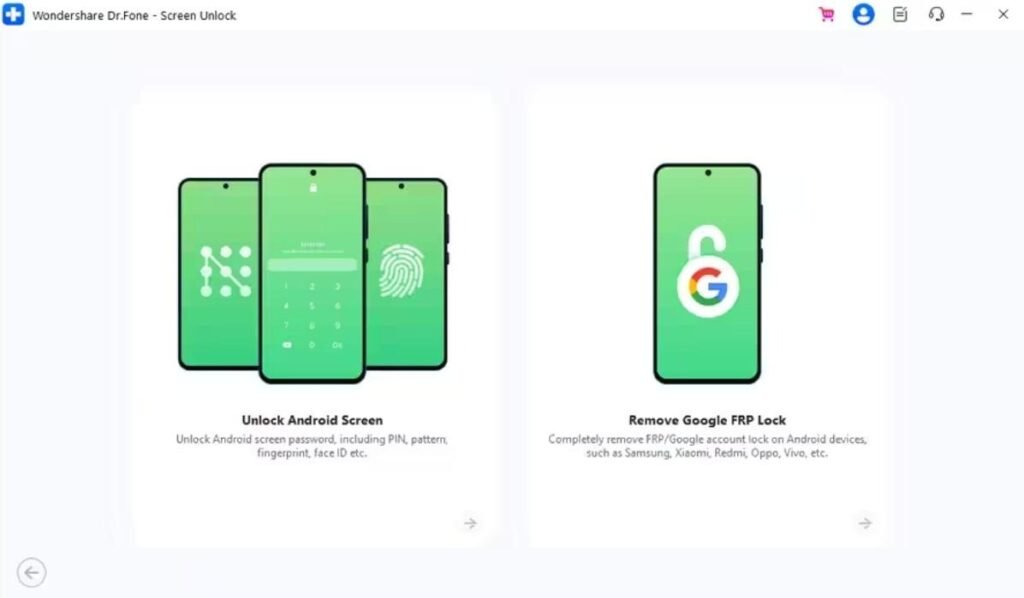
Go to the “Toolbox” tab to select “Screen Unlock,” then choose “Android” as your device type. Later, click “Remove Google FRP Lock” and connect your phone to the PC.
Step 2. Choose the Appropriate Unlock Method
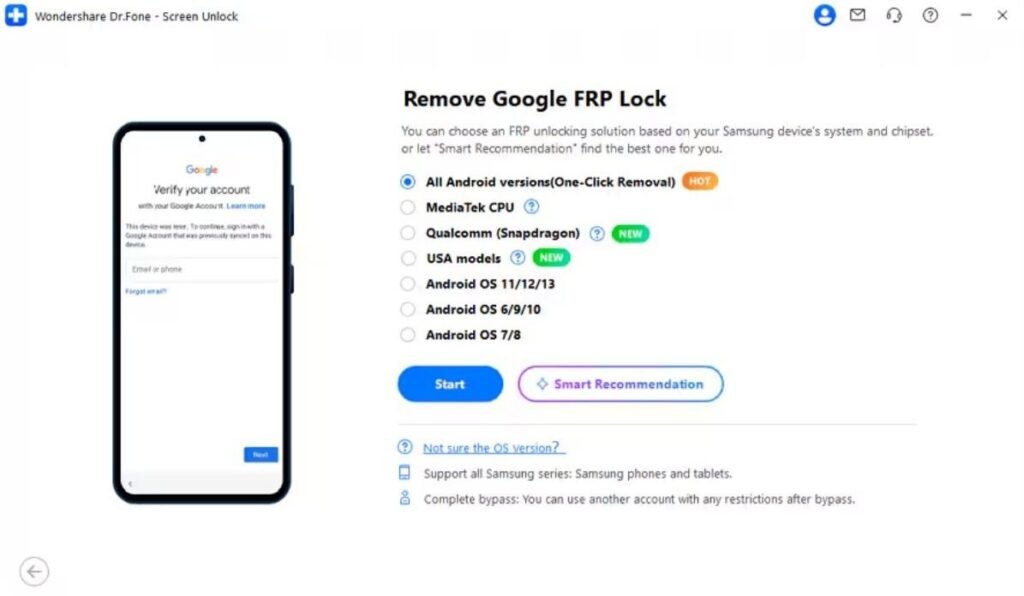
Next, select “Samsung” as your phone’s brand and press the “Start” button. When prompted to choose a removal method, select “All Android Versions (One-Click Removal)” and click “Start.”
Step 3. Complete the FRP Bypass on the Samsung
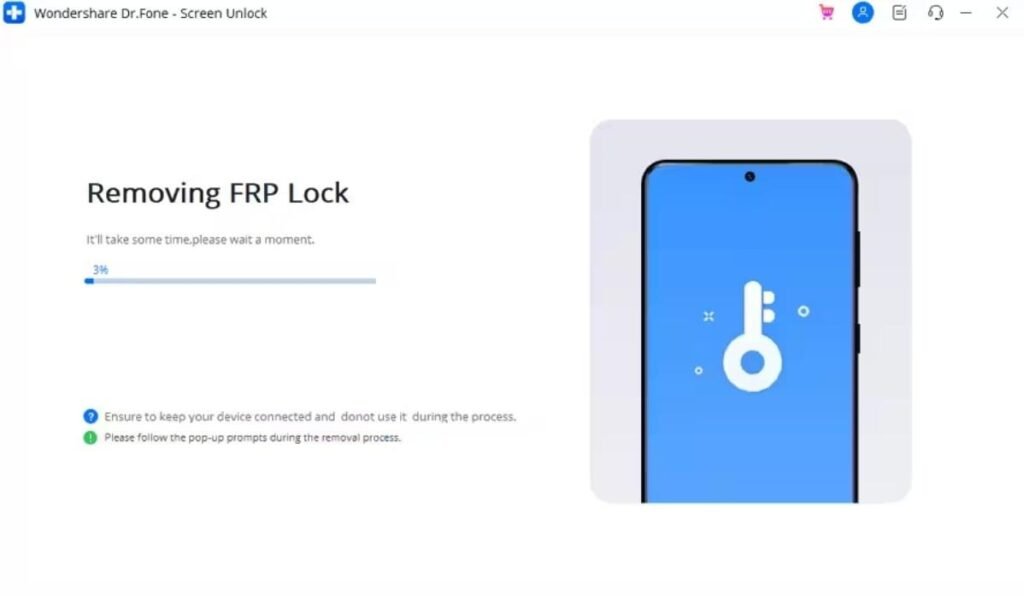
Follow the visual steps to turn on “USB Debugging,” then tap “Authorize” on your phone. The software will initiate removing the Google FRP lock and display the progress until it finishes.
Conclusion
In summary, Samsung security will continue to grow much stronger in the coming years. Traditional manual tricks cannot keep up with the latest Android 16 updates anymore. You need a reliable solution that handles these complex technical challenges for you. Therefore, this guide showed practical steps and real scenarios affecting modern Samsung unlocking. Thus, choose Dr.Fone Screen Unlock when you need guaranteed FRP removal without confusion.