Music is now considered just one click away, and the sheer allure of converting YouTube videos into an MP3 music file is satisfying. For instance, a long and dreary commute to the office might not look too bad when you’re listening to the latest trending tracks. Or for instance, you hear that one catchy song that motivates you to get the bread, and you just got it on your phone. How cool does that sound – especially without needing an internet connection?
Converting YouTube videos into MP3 files is one of the most common digital media processes. Irrespective of whether you want to listen to a lecture offline or enjoy some good background music. Several users, however, have tried illegal means to download music, and let us say -that’s NOT cool.
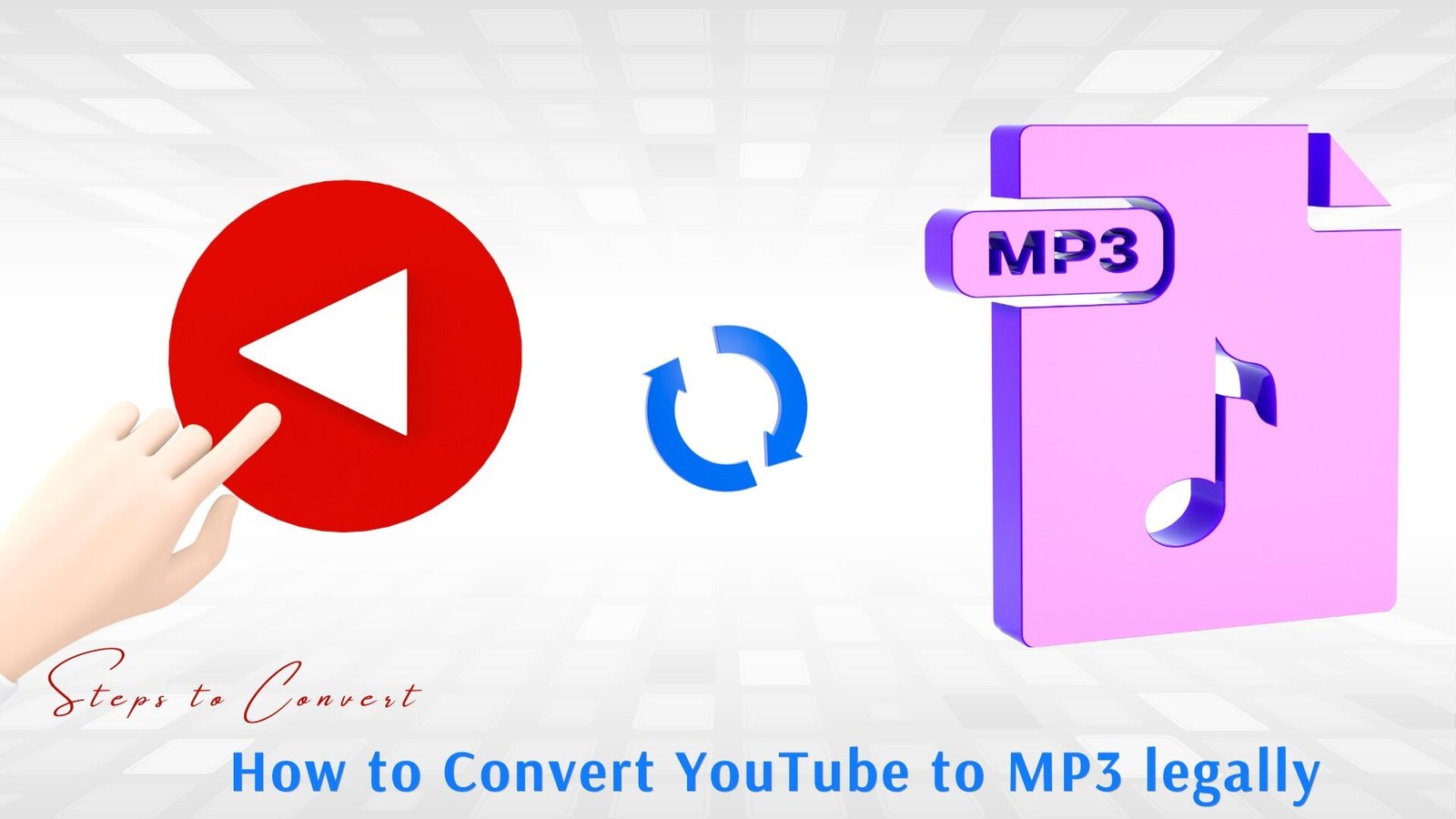
In this article, we will break it down as to how to convert youtube to mp3 legally, process ot convert, benefits and more.
YouTube to MP3 converter: Overview
A YouTube to MP3 converter is an online application that allows one to convert YouTube videos into downloadable MP3 audio files. It operates by decomposing the sound to the video and converting it to a universal audio format. This facilitates easy storage and listening of the audio using such devices as mobile phones, laptops, tablets or music players. People can watch movies and listen to songs, interviews, lectures or podcasts every time they want to, including in the absence of the internet.
Understand the Legality to convert youtube to mp3
YouTube clearly says ‘no’ to turning videos into an audio file like MP3 without permission. This comes from their rules, which are known as their ‘Terms of Service,’ which actually got updated in 2026.
They say that all videos and sounds belong to the people who upload them or to Google. That means that you can’t take files out for yourself, and sites and apps that do so are really breaking the rules. The US laws, like DMCA, can actually stop people from getting around copy protection.
In other words, this means that your account can get banned if you don’t follow the rules and regulations.
Benefits of YouTube to MP3 Converter
The legal and responsible use of YouTube to MP3 converter can have a number of benefits. Here are the key benefits:
Offline Convenience of Listening
By downloading the content that is legal, you can listen to music, lectures or podcasts without being on the internet. This comes in handly in particular, when you’re travelling or in places with low connectivity.
Data Saving
After saving the audio file on your device, you do not have to play it over and over again. This will assist in limiting the usage of mobile data and can save money on their data plan.
Portability Across Devices
The MP3 files can be played on the smartphones, tablet computers, laptops, and car audio systems, as well as on the MP3 player without compatibility problems.
Easy Organization
Audio files can be downloaded and then arranged in playlists, folders or as personal music libraries where one can access with ease and ease of control.
Educationally and professionally
In some cases, when the content rights owners permit downloading or can offer free of copyrighted content, learners are free to store educational lectures, tutorials, or open-source content in order to study and make a reference.
Accessibility
Audio files can also be used by people who use handicraft and do not always watch the video, people who have less bandwidth, and people who multitask.
Endorsing Copyright-Free Material
Numerous authors release music royalty-free, in the public domain, or on Creative Commons licenses. Legally converting such material makes it legal and at the same time enjoy the content.
YouTube Premium Services- an Official and Offline Access
One of the best and safest ways to convert youtube to mp3 legally is by signing up for YouTube Premium services.
This is around $14 a month in 2026, which isn’t too steep at all. There aren’t any ads, and you can actually save your stuff.
In the app, you can easily find a song or list and then rap the ‘down’ arrow. This saves the sound and its locked for offline play.
You can use it on phones, laptops, and even your SmartWatches. It actually links you in through your Google account.
However, you should know that you don’t actually get an MP3 file to move around – it’s only stuck on the app.
YouTube Audio Library – Good for free MP3 downloads
YouTube gives away free music and noises in their Audio Libray and you don’t have to worry about the rights.
All you have to do is go to YouTube Studio at the studio. youtube. com and then pick ‘Audio Library’. There are over 20,000 choices.
You will have to listen to the music first, click the ‘down arrow’ and pick “MP3’ which is upto 320kbps and then save.
How to convert youtube to mp3 legally
Converting YouTube videos to MP3 should always be approached from a legal and ethical standpoint first. It should not come from a technical standpoint. Before we start talking technical and bring up tools and formats, let us first understand what conversion is actually allowed.
Start with the permissions and licensing
Before converting anything, you must confirm if you have the legal rights to actually extract the audio you want. If ‘Fate of Ophelia’ by Taylor Swift is not even allowed legally for extraction, it makes no sense to really try.
Here are some of the typical situations to ensure permissions are intact:
- The videos are either your own content
- The content is in the public domain
- The video is published under a ‘Creative Commons License’ that allows reuse.
Without any of these being present, you won’t be able to download and convert the file legally. This could violate both a copyright law and YouTube’s Terms of Service.
You should prefer to use official YouTube Features
It’s your best bet to safely use YouTube Premium or YouTube Music if you want just music. These services are generally paid for, but they allow listening within the app itself. Although it’s not like an MP3 player, they certainly let you download content legally.
Verify the Video’s License Details
If a video is actually claiming to be in the public domain, or under a Creative Commons then you have to be careful. You must check the video description and confirm the specific license terms that might require checking as well..
Use Trusted Software Only
If you have confirmed legally downloadable content, then you may want reputable software as well. Avoid using any suspicious ‘free converter’ websites that are actually filled with ads or malware risks.
Some of the best practises look like:
- Use a well-reviewed desktop software. No one wants some random software that no one’s heard of
- Make sure that you have your antivirus protection ongoing
- Avoid using any tool that might ask for any permissions unnecessarily
How to Convert YouTube Music to MP3 Legally
Use YouTube Premium or Music
YouTube literally offers an official subscription service that lets users download content for offline listening within the service. This does not produce an MP3 file but it does make it legal, which is basically the whole point, right?
With YouTube’s Premium, you can listen to offline music, but in the app only. You don’t get a transferable MP3 file, but it is the most legally safe way to ‘save’ an audio.
Stream or Buy music from a licensed source
This is the next best option, but it doesn’t include YouTube Music. Just in case you want any copyrighted music, there are several options out there. Some of the well-known ones are Spotify, Apple Music, Gaana and Saavn. Buying or streaming the song with a subscription will end up supporting the artist and also respecting copyrights.
Download from YouTube Audio Library
YouTube’s Audio Library, as we mentioned before, uses free music that is explicitly licensed for reuse and download. You can actually download these audio tracks as an MP3 file legally.
Other Legal Paths
For Creative Commons music on YouTube Music, you can check the licenses and use Premium downloads.
You could purchase a subscription from Bandcamp, Apple Music or Spotify to get true MP3 ownership.
But do NOT use converters – they have an added risk of bans and malware.
Legal Methods of Converting MP3 from YouTube Music – Summarized!
| Method | MP3 File Option | Cost | Ease | Risk Level | Notes |
| YouTube Music Premium | App-only | $13.99/mo | Very Easy | None (official) | Download in app, no export |
| Audio Library | Yes | Free | Very Easy | None | Royalty-free direct MP3s |
| Online Converter | Yes | Free | Easiest | High (bans/malware) | Paste URL, convert, download |
| Browser Extension (e.g., YouTube Downloader) | Yes | Free | Easy | High (ToS violation) | One click from the video |
| Bandcamp/Spotify/Gaana/Apple Music | Yes | $1+ | Easy | None | Purchase official MP3s. The safest option actually |
| yt-dlp (Command Line) | Yes | Free | Medium | Very High (legal risk) | Terminal tool, high-quality music |
| Mobile App (e.g., SnapTube) | Yes | Free | Easy | High (malware possible) | Android sideloading |
Step-by-Step Process for Downloading YouTube Music to MP3 Legally
Step 1: Confirm your License
The first step is to check the video’s description. You have to see if the music is in the public domain or the Creative Commons section.
Step 2: Choose a trusted tool
If you are using a tool to convert, then:
- You prefer reputable software with legit and good reviews
- Avoid any unknown online converters that have constant pop-ups
- Turn on an ad-blocker and antivirus software while browsing
Step 3: Extract the audio and file
Most tools let you copy and paste the YouTube link and select MP3 as the output format. The quality options often range from standard to high in bitrate
Step 4: Save and Respect Licensing
Once you converted, add the metadata if you like – and use the file only within the permissions of the original license. Sharing the copyrighted MP3 files widely remains unlawful anyway.
Conclusion
You see, converting YouTube videos to MP3 is technically supposed to be really straightforward and an easy process but sometimes the legalities stop us. Ethical and legal boundaries matter a lot, and this is irrespective of official services like YouTube Premium or content that’s licensed. You can enjoy the offline audio but it should be without violating the creator’s rights or platform rules.
Understanding the limits truly ensures that you appreciate music in its form. But it should be loved whilst supporting the people who truly produce them. Respecting copyright isn’t just about avoiding penalty – it’s about keeping music and creation sustainable and fair for all.
FAQs
This is highly subjective and depends on the permissions and content terms of service.
The safest way is to use YouTube Premium, download music from the Audio Library or convert content that you own.
Yes, that’s a good alternate option.